Audio Tools
AI Voice Changers for Creators: A Workflow-First Guide
Choose an ai voice changer for content creators by voice rights, realism, editing workflow, disclosure needs, and export quality.
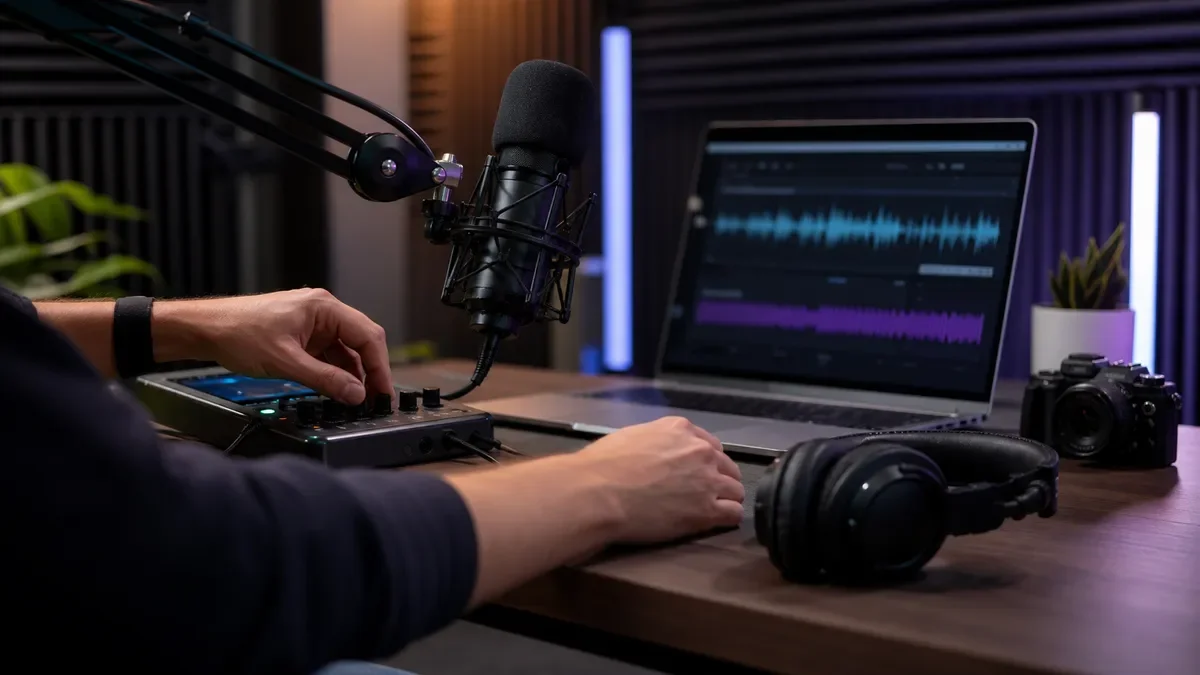
An ai voice changer for content creators can be useful when it solves a real production problem: cleaner narration, safer character work, faster localization, or a more consistent voice across short-form clips. It can also create trouble fast if you ignore consent, platform disclosure, audience trust, or the way the processed voice sounds after compression.
Start with the job, not the tool. A faceless YouTube channel, podcast clip workflow, gaming stream, course lesson, and brand account all need different voice controls, different rights checks, and different editing handoffs.
| What you see | Likely cause | First move |
|---|---|---|
| The voice sounds impressive alone but odd in the video | The model was tested without music, room tone, captions, or platform compression | Export a 20-second sample and watch it on the actual platform |
| Character voices drift from clip to clip | The tool is changing too many style settings between takes | Lock one voice, one preset, and one input chain before batch work |
| Narration feels expressive but untrustworthy | The synthetic voice is masking source, sponsor, or disclosure context | Add a clear disclosure and keep factual claims in your normal voice style |
| The output has clicks, muffled consonants, or harsh breaths | The input recording is noisy or over-processed before conversion | Record clean, dry audio first, then change the voice |
| The workflow is slow even with AI | Voice generation happens after the edit is already locked | Test voice fit during script approval, before animation or B-roll timing |
Where an ai voice changer for content creators fits in the workflow
Use voice changing when the output still serves the story. Good uses include turning a rough guide track into more polished narration, making fictional characters distinct, protecting a creator who does not want to use their own voice, or localizing a short version of a clip for another audience.
Avoid using it as a shortcut around permission. If the voice resembles a real person, a creator, an employee, a celebrity, or a private individual, treat that as a rights and trust issue before you treat it as an audio issue.
Pick by creator format, not by the flashiest demo
YouTube creators usually need consistency. If your channel uses the same narrator every week, test whether the voice holds up across intros, mid-roll sponsor reads, quiet explanations, and energetic hooks. Pair that check with your broader video stack, especially if you also use AI faceless video tools for YouTube, AI B-roll generators for YouTube, or AI thumbnail tools for YouTube.
Short-form creators need speed and repeatability. A voice that works for one TikTok may fail when you need 30 variants from the same long recording, so test it beside your AI clip generator for TikTok creators, your caption workflow, and the title ideas you create with AI YouTube title generator tools.
Podcast creators need the lightest touch. If the original relationship with the audience depends on conversational trust, use voice changing for cleanup, translation tests, or character segments rather than replacing the host's identity. For repurposing, connect it to an AI podcast clip generator or a workflow that can turn a podcast into Reels without flattening the point.
Course creators need clarity first. A stylized voice can distract from the lesson if it softens important terms or makes examples sound like ads. Build the lesson map with an AI course outline generator, then test voice output only after the teaching sequence is sound.
The rights and disclosure checks matter more than the preset
Ask three questions before you publish: whose voice does this resemble, would viewers reasonably think a real person said it, and does the platform ask for disclosure? YouTube's guidance focuses on realistic altered or synthetic content, and voice cloning another person for voiceover is the kind of use creators should treat carefully.
Consent is the line you do not blur. Do not clone a client's voice, a teammate's voice, a performer's voice, or a public figure's voice unless you have permission that fits the use. A tool's technical ability is not a rights clearance.
For YouTube specifically, read your upload disclosure flow before the final render, not after. Our companion guide to AI voice cloning disclosure on YouTube is useful when a voice could be mistaken for a real person or when a synthetic narrator appears in realistic content.
Tool features worth testing before you pay
Ignore the perfect demo for a minute. A creator-ready voice changer should pass boring production tests: noisy room audio, short hooks, long narration, fast speech, sponsor copy, emotional lines, and exported files that still sound clean after upload.
| Feature | Why it matters | Test it with |
|---|---|---|
| Voice consistency | Your narrator or character should not drift between takes | Three clips recorded on different days |
| Performance preservation | The converted voice should keep timing, emphasis, and pauses | A quiet line, a laugh, and a fast call to action |
| Language and accent support | Localization needs more than literal translation | One short clip with names, slang, and numbers |
| Commercial rights clarity | Affiliate, sponsor, course, and ad use may need different rights | The license page and your planned use case |
| Export control | Your editor needs the right file type and clean levels | WAV or high-quality export into your normal editor |
Murf, ElevenLabs, Descript-style production tools, and mobile voice apps can all fit different jobs. The better question is whether the tool can stay inside your actual publishing workflow. If you already compare broader creator tools, keep related decisions close to guides like Canva AI or Adobe Express, Runway vs Pika for creators, and Opus Clip alternatives for creators.
Build a practical voice-changing workflow
Begin with the script. A voice changer will not rescue vague copy, weak pacing, or a sponsor line that already sounds forced. Draft the narration with AI scriptwriting tools for creators, then read it out loud before you process anything.
- Write for the ear: Shorter sentences, clear nouns, and fewer stacked clauses.
- Record dry input: Use a quiet room, steady mic distance, and no heavy effects.
- Convert a small sample: Test 15 to 30 seconds before processing a full episode.
- Edit against the picture: Check timing with captions, B-roll, cuts, and music.
- Document rights: Save consent notes, license limits, and disclosure decisions.
- Repurpose after approval: Turn the approved asset into clips, captions, newsletters, and posts.
Repurposing is where many creators get sloppy. If the long-form voice is approved, your derivative assets still need context. Use an AI content repurposing workflow, AI newsletter repurposing, or an AI content calendar generator for creators to track which clips use synthetic voice work and where disclosure may appear.
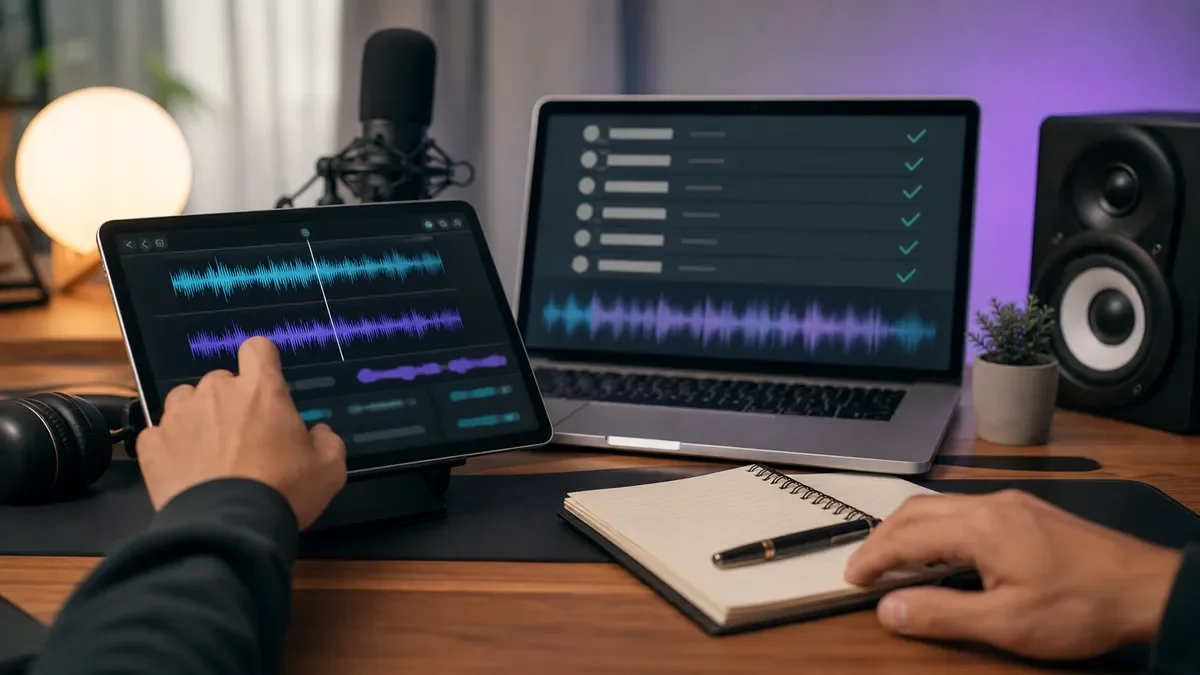
Quality checks before the file goes live
Listen once on headphones, once on laptop speakers, and once from a phone. That quick pass catches harsh consonants, fake-sounding breaths, buried words, and weird mouth noises that studio monitors can hide.
Watch the final video without looking at the script. If the voice draws attention away from the idea, fix the voice or simplify the edit. The strongest AI audio usually feels boring in the best way: clear, controlled, and easy to trust.
Match the voice to the rest of the asset. A serious synthetic narrator with a goofy thumbnail will feel off, and a high-energy character voice can make educational copy feel thin. Keep your visual workflow aligned with AI thumbnail AB testing tools and an AI image generator for creators when the voice changes the creative angle.
When to choose dubbing, voice cloning, or a normal voiceover instead
Choose dubbing when the original creator should remain recognizable across languages. Choose voice changing when you want a different narrator, character, or privacy layer. Choose a normal voiceover when trust, personality, or sponsor compliance matters more than novelty.
Dubbing tools have their own timing, caption, and language checks, so compare them separately with AI dubbing tools for YouTube. Voice cloning needs an even stricter review because the output may sound tied to a real person.
For written assets, keep the voice brief consistent. The same positioning that guides narration can guide AI social media caption tools, newsletter intros, and short promotional copy.
Quick Checklist
- Define the exact job: narrator, character, privacy layer, localization, or cleanup.
- Test the voice inside the finished format, not just inside the tool demo.
- Record clean input audio before applying any voice conversion.
- Check consent, licensing, and platform disclosure before publishing.
- Save one approved preset for recurring narrator or character voices.
- Listen on phone speakers, laptop speakers, and headphones before export.
- Track synthetic-voice use when you repurpose clips, captions, or newsletters.
Frequently Asked Questions
what is the best ai voice changer for creators?
The best choice depends on your format. YouTube narrators need consistency and clean exports, podcasters need light-touch processing, streamers need low latency, and course creators need clarity over character range.
can i use an ai voice changer on youtube?
Yes, but you should check YouTube's altered or synthetic content disclosure rules when the voice could make viewers think a real person said something they did not say. Consent still matters.
is ai voice changing the same as voice cloning?
Not always. Voice changing can transform your recorded performance into another voice style, while voice cloning usually tries to reproduce a specific voice. Cloning a real person's voice needs stricter permission and disclosure review.
do ai voice changers work for podcasts?
They can, especially for cleanup, character segments, translated clips, or privacy. Full host replacement is riskier because podcast audiences often trust the relationship with the real speaker.
how do creators avoid sounding fake with ai voice tools?
Start with clean input, use fewer extreme settings, test short samples, and listen in the final edit. If the voice distracts from the idea, pull the effect back.
Bottom Line
A good AI voice changer should make your production easier without making your audience wonder what you are hiding. Use it where it improves clarity, consistency, privacy, or localization, then document the rights and disclosure choices before upload.
Keep the final editorial call human. If the processed voice does not fit the creator, the platform, or the promise of the piece, the smarter move is to record again.
Official sources: YouTube Help: disclosing GenAI content · Murf AI Voice Changer.